
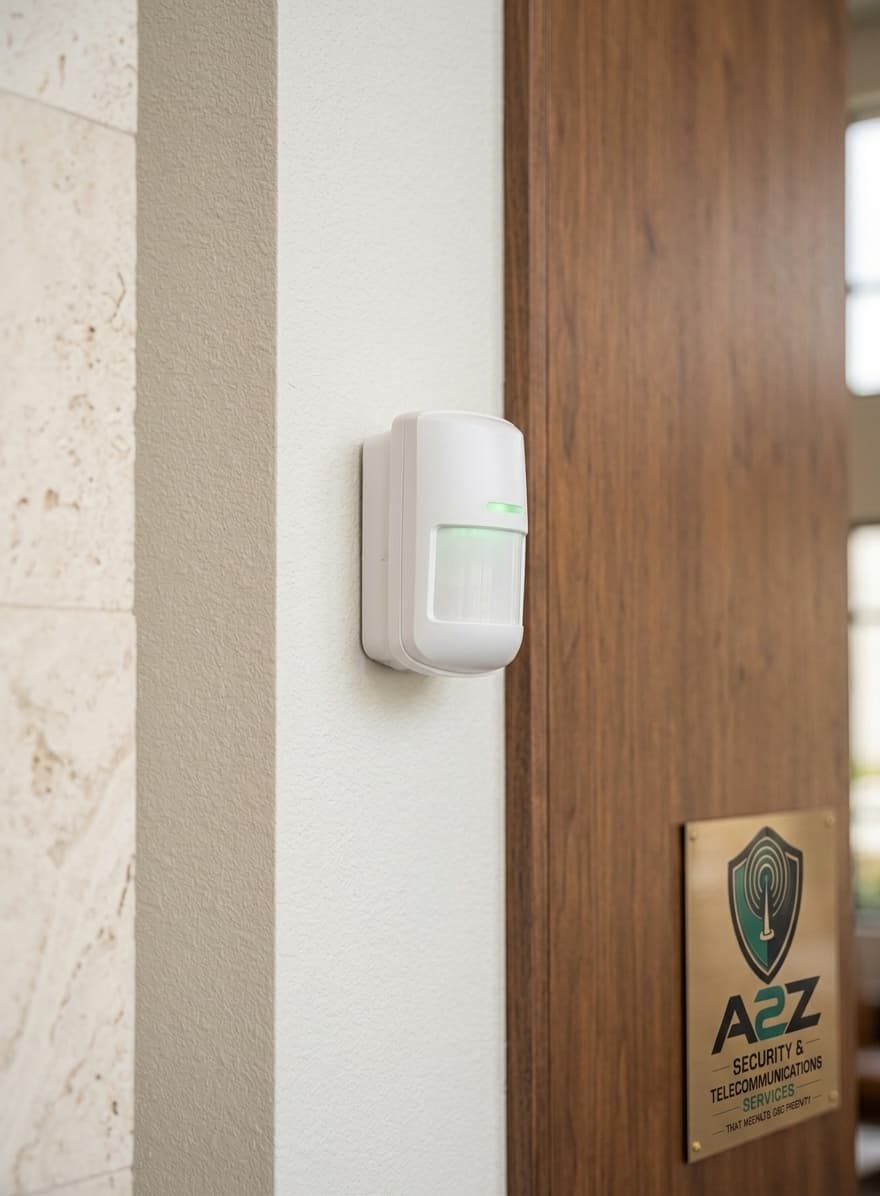
Wired sensors
Hard-wired contacts and PIRs suit single-level sites and buildings where cable paths are open or already in place. They are often the simpler long-term option when running cable is practical.
Alarm Systems
Detection where it matters, alerts that reach the right people, and a panel that is straightforward to live with after handover.
Alarm overview
An alarm install is about which openings and movement paths should matter after hours, how the panel is reached day to day, and what happens when something trips. Wired or wireless sensors are chosen from how the building is built — exact panels and brands are confirmed in the quote, not invented on this page.
Site assessment
Doors, gates and openings that are actually used — not every window by default.
Hallways, living areas and stock rooms where motion after hours should raise an alert.
Whether cable runs are practical or battery sensors are the cleaner option for finished spaces.
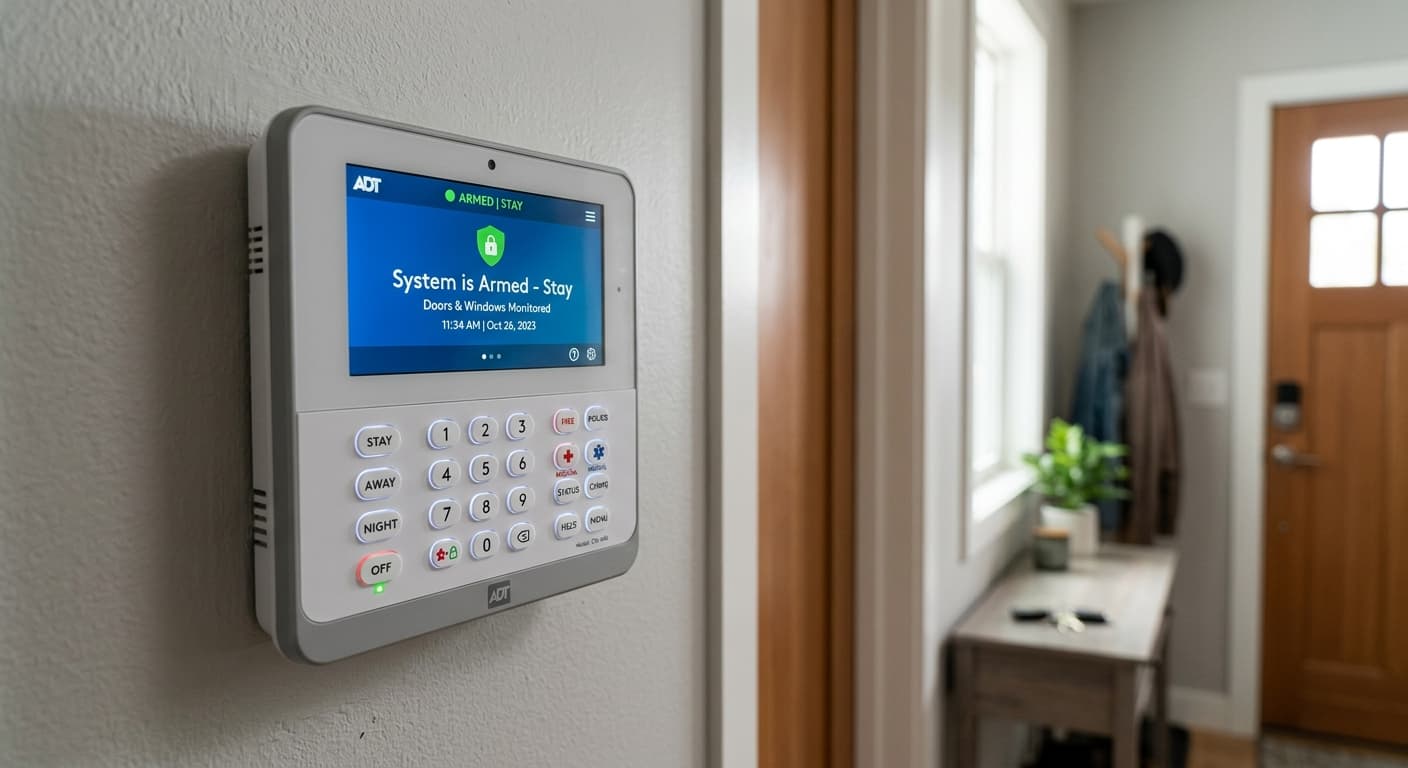
A keypad position people will use — near the main entry, with power and signal where the panel needs them.
Zone planning
Residential alarms usually focus on main entries and the paths people move through after dark. Workplaces add stock areas, after-hours zones and who arms the system at close. The sensor schedule follows that walk — not a fixed count pulled from a brochure.
Wired and wireless
Hard-wired contacts and PIRs suit single-level sites and buildings where cable paths are open or already in place. They are often the simpler long-term option when running cable is practical.
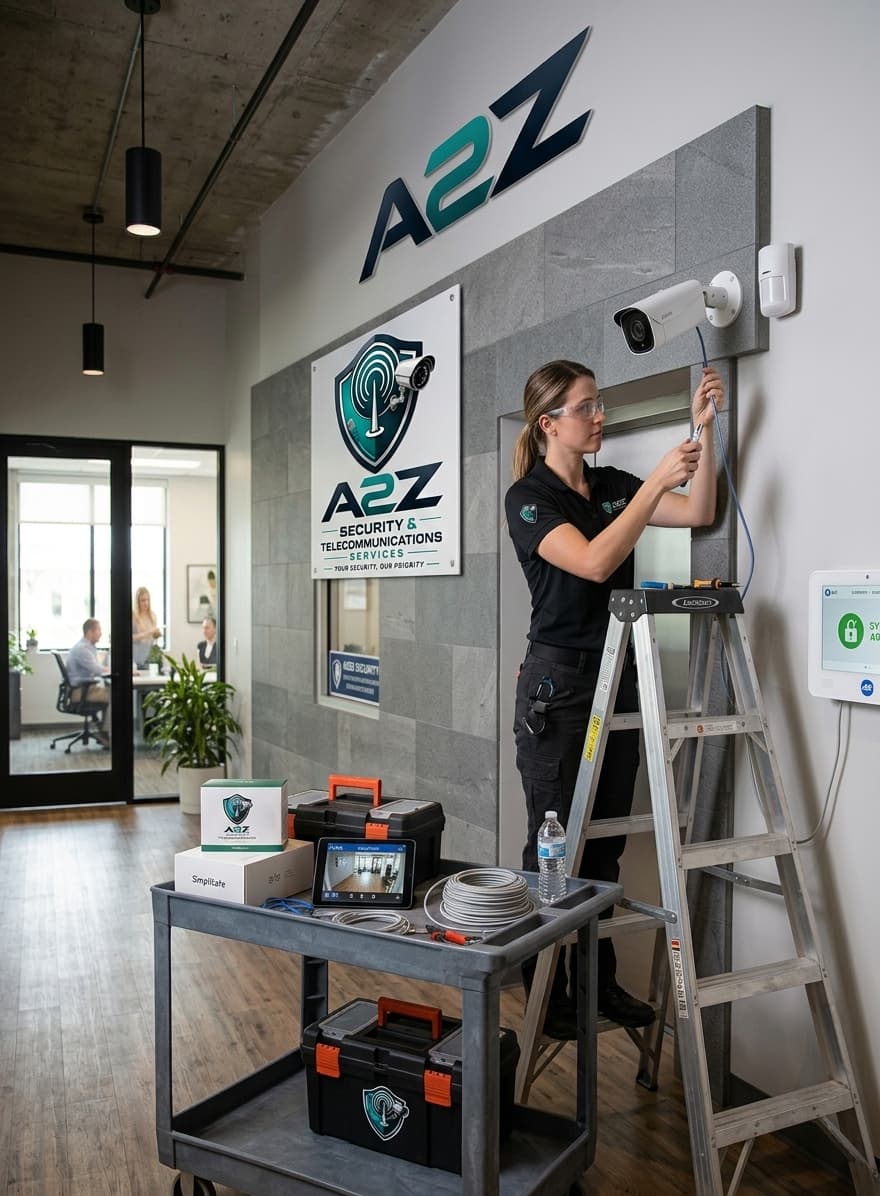
Wireless devices are used where cable runs are difficult — multi-level homes, finished interiors or awkward fabric. Battery maintenance is part of the conversation so the system stays reliable.
Alerts and monitoring
Arming handover
Stay, away and off modes are walked through on your keypad or app. Zones are labelled in plain language, alerts are tested, and the people who will arm the system day to day know what to expect before we leave site.
Alarm examples
Reference imagery until additional A2Z project photography is supplied.
Wall-mounted panel with clear zone status and arming controls.
Motion and entry sensors positioned on real movement and opening paths.
Alarm questions
If cable paths are open, wired is often the cleaner long-term option. Wireless is used where running cable is impractical. The site walk decides that, not a preference stated in advance.
Tell us about the property, entries and whether you prefer wired or wireless — we will scope a clear alarm brief.