
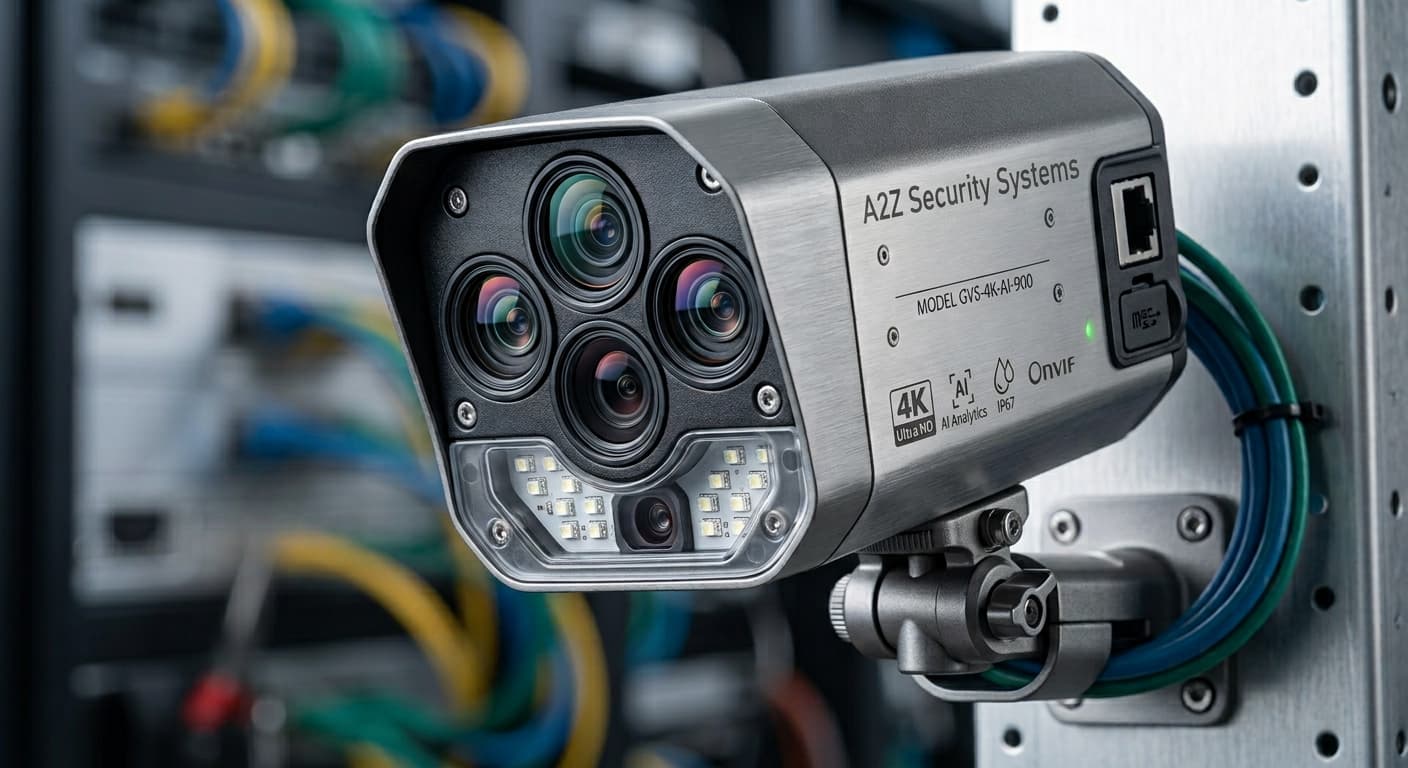
Indoor installation
Interior cameras are placed for the room’s use, ceiling height and how obvious they should be. Cable exits and power are finished so the install stays tidy.
Security Camera Installation
Installation is the difference between cameras on a wall and a system you can actually use — placement, cabling, recording and remote access commissioned together.
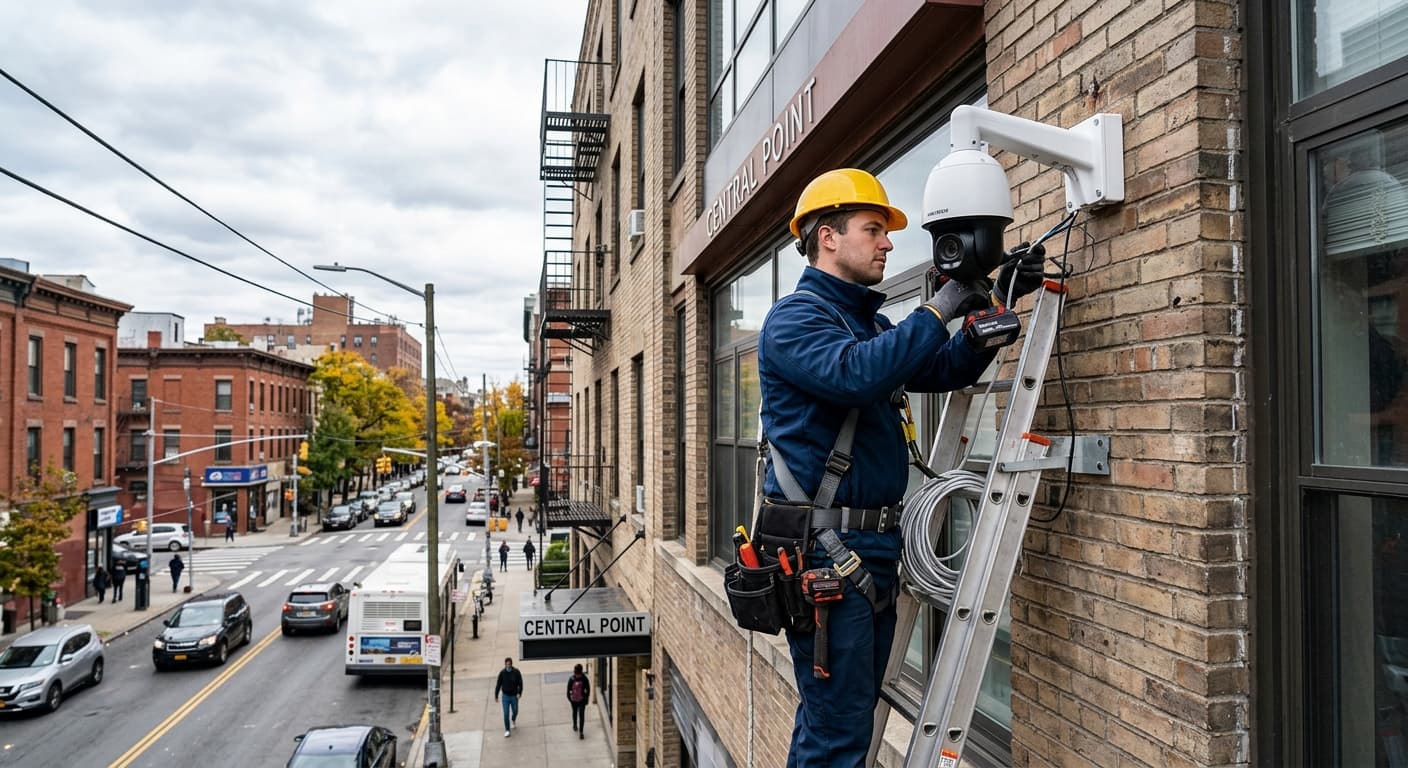
Installation overview
A camera install covers site assessment, placement, indoor and outdoor mounting, recorder configuration and remote access. Skipping any of those steps is how sites end up with blind spots, full hard drives or an app that never gets set up.
Site assessment
Doors, gates, driveways and the paths people actually use.
Night conditions, glare and what the camera can physically mount to.
Routes that stay serviceable — not the shortest path through a finished ceiling.
A ventilated, accessible place for the NVR with network nearby.
Camera placement
Each camera should answer a question: who came to the door, what happened at the gate, who used the side path. Placement is decided against those questions, not a symmetrical grid around the building.
Indoor and outdoor installation
Interior cameras are placed for the room’s use, ceiling height and how obvious they should be. Cable exits and power are finished so the install stays tidy.
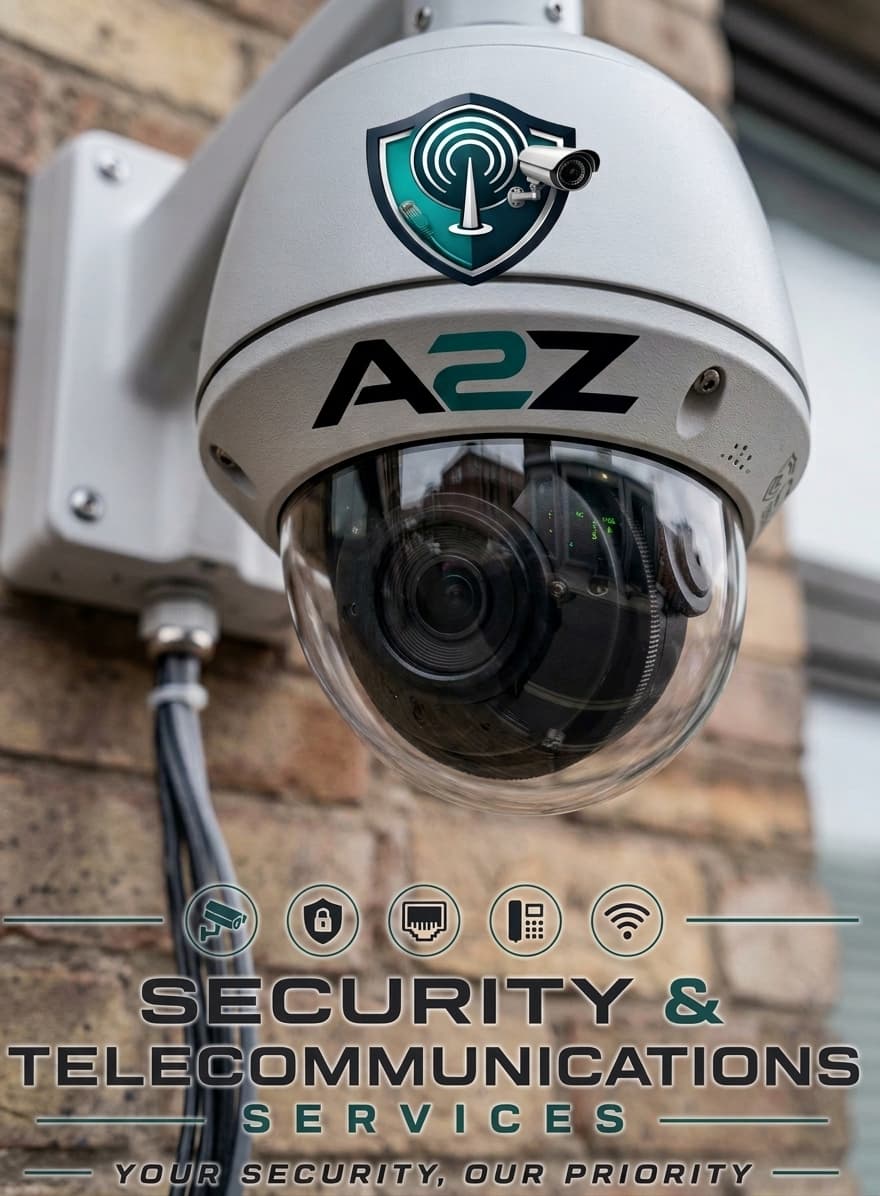
Exterior cameras are weather-rated for the location, aimed to reduce glare and mounted so conduit and fixings match the building fabric.
Recording and NVR considerations
Remote access
Live view, playback and user accounts are configured during commissioning. The install is not finished when the last camera is mounted — it is finished when the people who need access can open the system.
Installation examples
Reference installation examples until additional A2Z project photography is supplied.
Installation exampleCommercial · CCTV
Commercial exterior camera placement — installation example.
Installation exampleCommercial · CCTV
Dome camera hardware detail — reference installation.
Installation questions
It depends on camera count, cable routes and whether the building is single or multi-level. A site assessment produces a realistic window before work starts.
Tell us about the site, camera count and whether indoor, outdoor or both — we will scope placement, recording and handover.